Moving around
Getting started
The island is made of rooms joined by paths. You walk from one to the next - or you take the map.
Walking
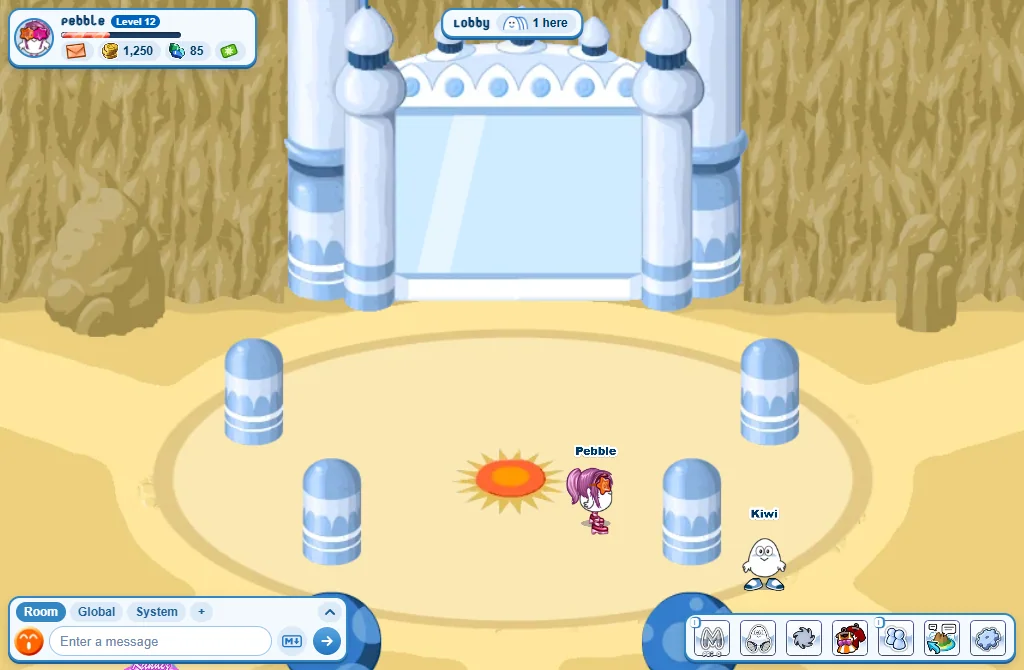
- With the mouse: click on the ground and your Tiz walks there.
- With the keyboard: the arrow keys, or W A S D.
- The mouse wheel zooms in and out.
On a phone: tap the ground to walk there, or drag your finger to steer. Pinch with two fingers to zoom.
Leaving a room
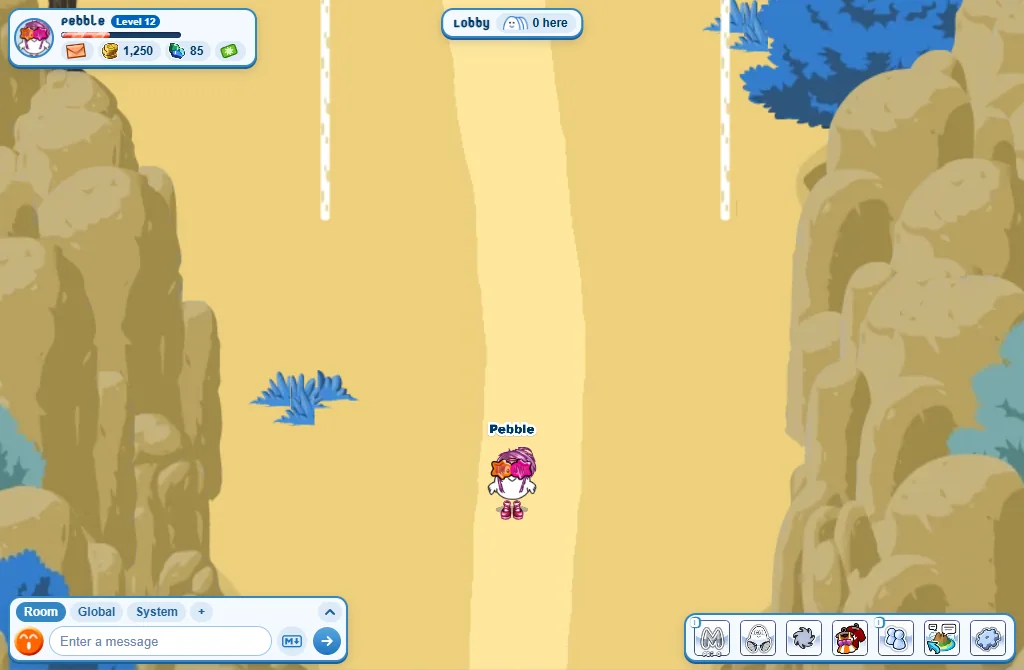
- Look for a path, a door or a gate at the edge of the room.
- Walk onto it: you go to the next room by yourself. There is no button to press.
- When you arrive in a room you are standing on the way you came in. To go back, step off it and walk onto it again.
- Some places say no: This room is full., This home is private. or You must reach level 60 to enter. (the Palace’s Royal Chamber).
Sitting down and jumping
- Press Sit to sit where you stand.
- Click a chair, a stool or a bench to sit on it: in homes, and in rooms like the Lobby, the Market, the Canyon, the Mountain Plateau and Castaway.
- Walk away to stand up.
- Jump is over the Sit button: rest the mouse on Sit to see it (hold Sit on a phone). On a computer the Space bar jumps too. Press again in mid-air for a double jump!
Good to know
- The keys don’t walk while you are typing: press Escape, or click the room, to leave the chat box.
- A click on another player is not a walk: it writes
@and their name in your chat box, so they see you are talking to them. - A home can be seen closer: use the mouse wheel, or two fingers on a phone.