Your shop at the Market
Playing together
At the Market every player can open a shop. It stays open for 7 days, even when you are not in the game - then you open it again to keep selling.
Getting to the Market
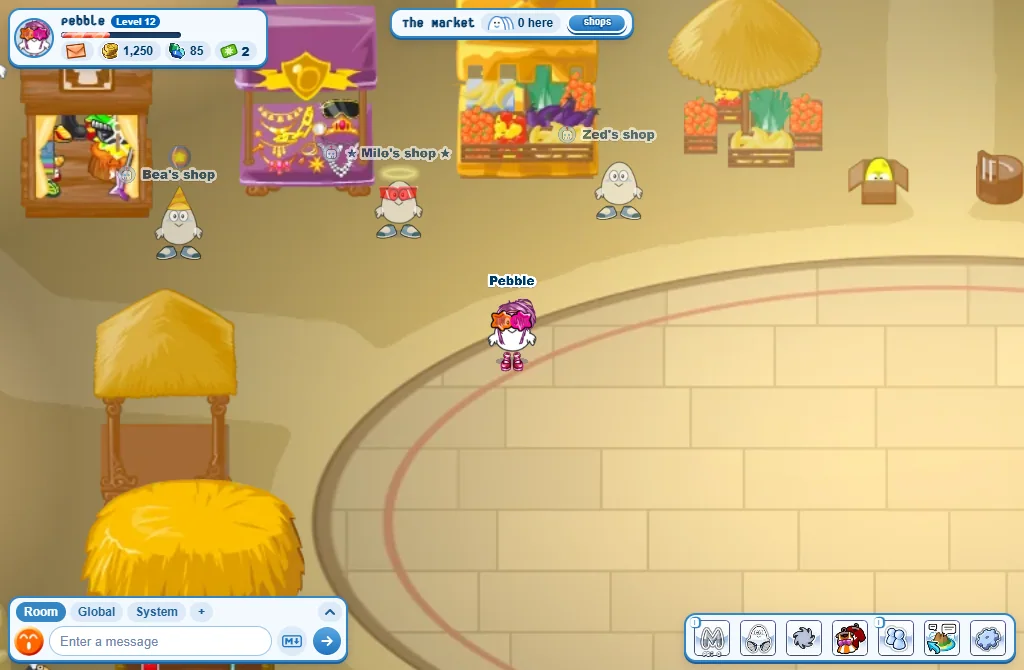
- Open the island map and choose The Market.
- Each open shop has a see-through stand-in of its owner beside a stall.
Opening your shop
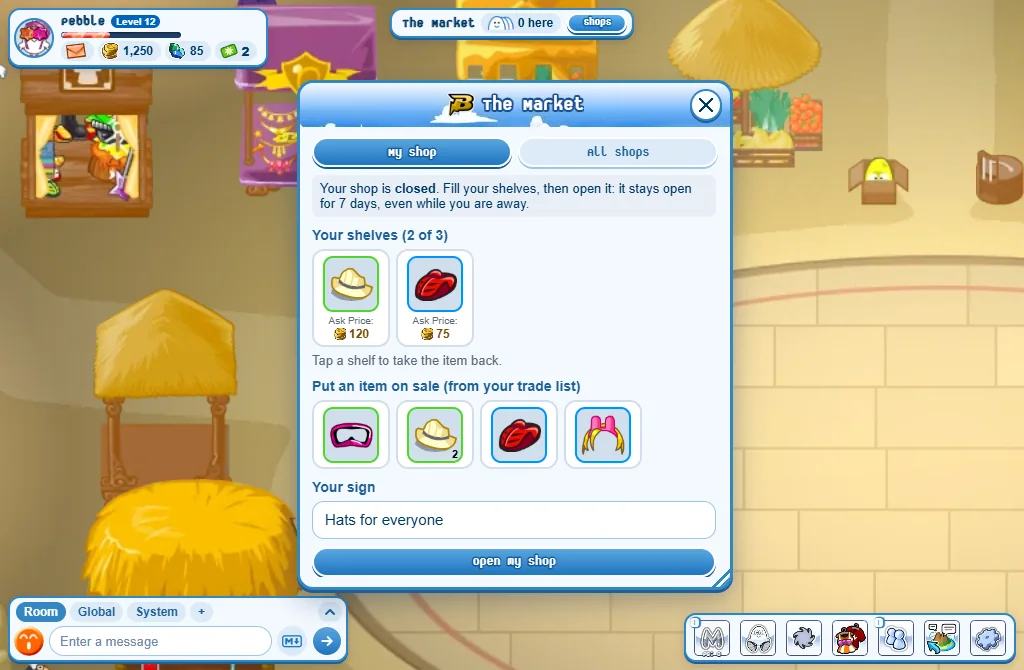
- In your Closet, add what you want to sell to your trade list (press the item, then Trade list).
- At the Market, press Shops beside the room’s name, then My shop.
- Pick an item, choose how many and type a Price in credits.
- Press Put on sale.
- Write a few words on Your sign if you like.
- Press Open my shop.
- You start with 1 shelf and get one more every 5 levels.
- The Market keeps 15% of each sale: the window tells you what you will receive.
- Tap a shelf to take the item back.
- Sold while you were away? The credits are yours at your next sign-in.
- On the website, Player Shops does all of this too: My shop fills your shelves and opens your shop, and hands you what it earned.
Buying from a shop
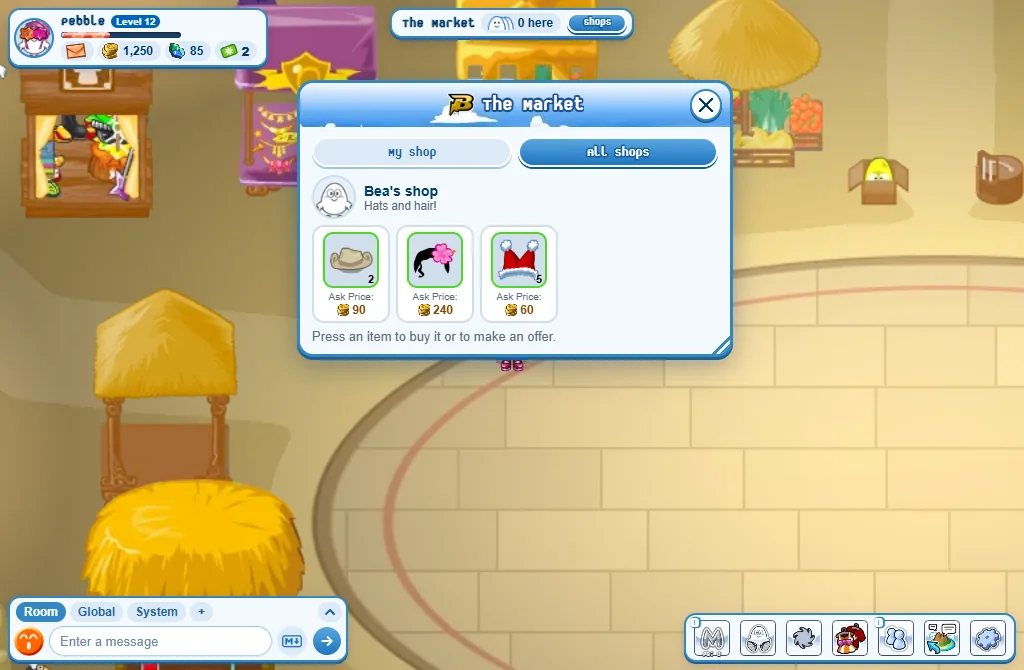
- Click a stand-in, or press Shops then All shops.
- Press an item.
- Press Buy - or type a lower price and press Send offer.
- An offer lasts 3 days. Your credits are only taken if the seller accepts.
Good to know
- You need level 12, and an account 14 days old, to open a shop or to buy from one.
- Pets and furniture can’t be sold on a shelf.
- Your shop can only be changed while you stand in the Market.
- A pet with the Haggler ability gives you one more shelf while it walks with you.